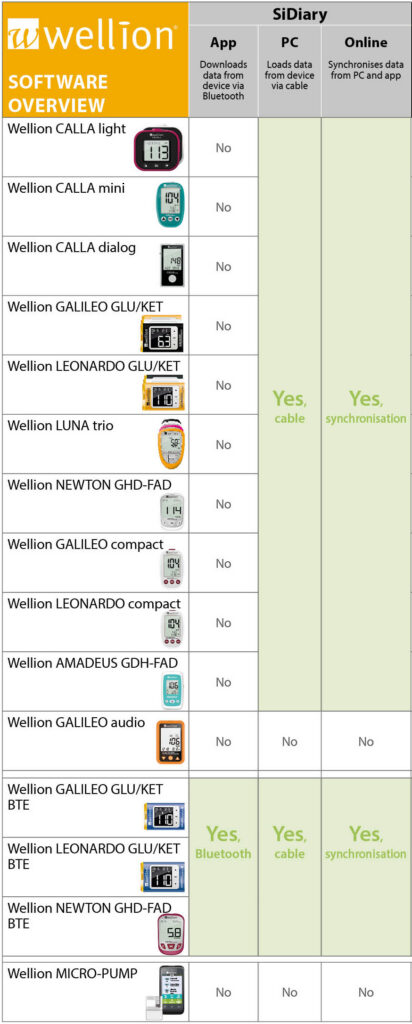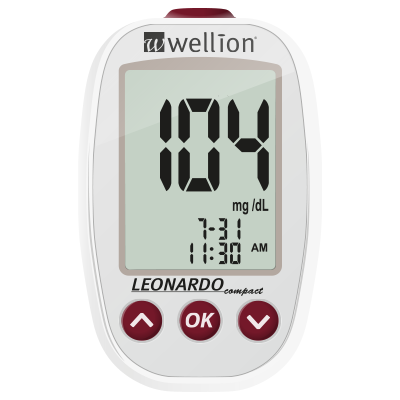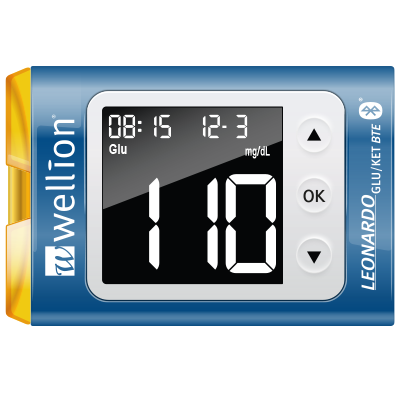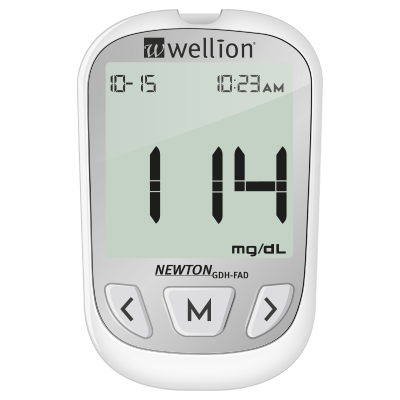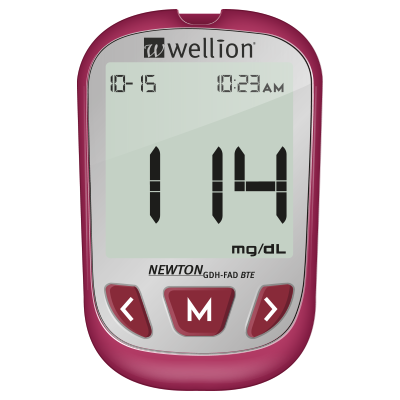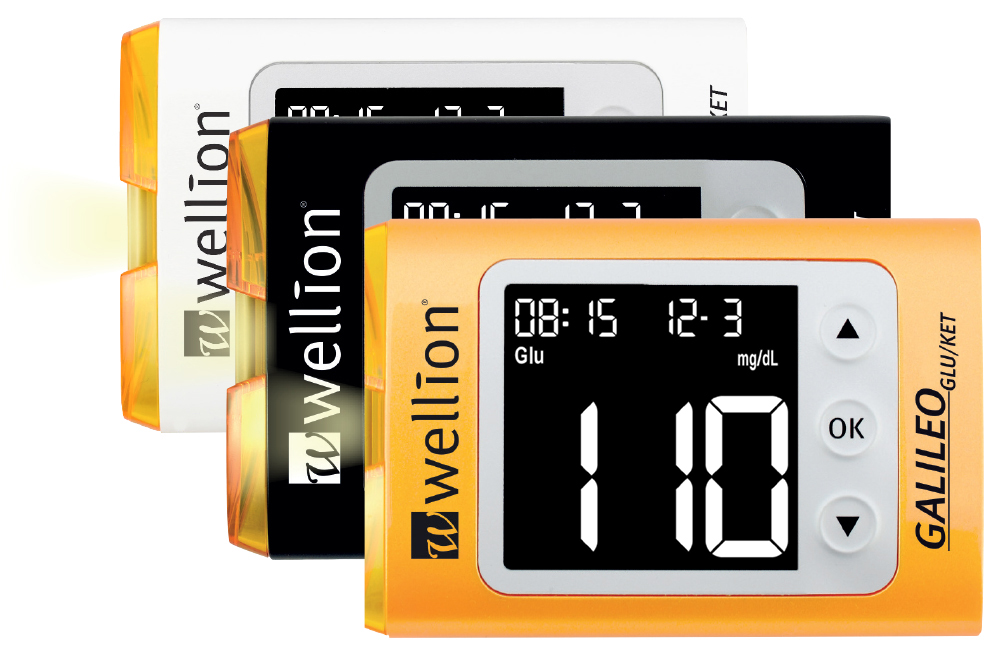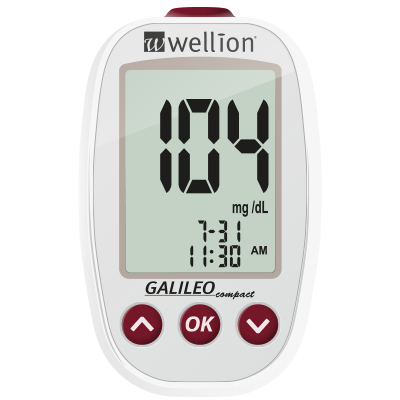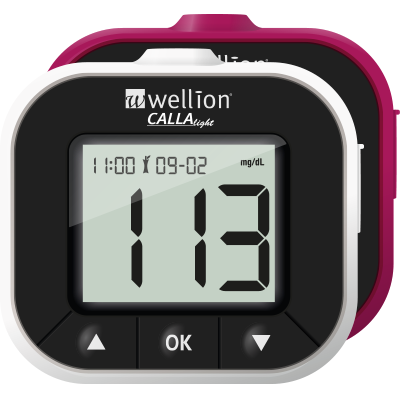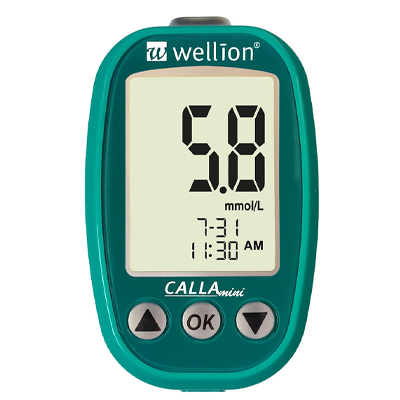



 Data transfer via Bluetooth or cable
There are 4 versions available: Android App, iOS App, Desktop und Online
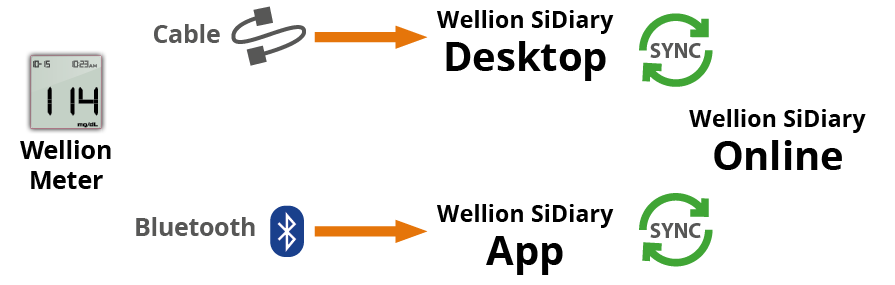
a) Transfer directly via Bluetooth to the app
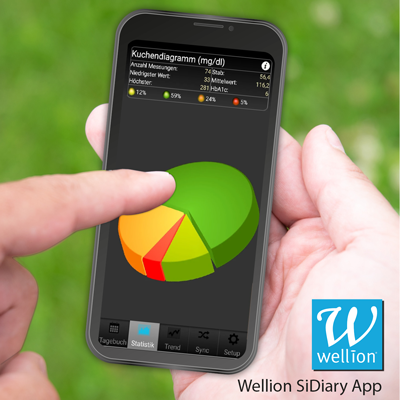
The Wellion SiDiary app makes it easy to keep your diabetes diary (blood glucose levels, blood pressure, medication, carbohydrates, etc.). You can then analyse the data collected together with your healthcare professional to further improve your treatment. The app version can be used independently of a PC, but it can also complement it; for example, you can read out your Wellion meter on your PC and simply record additional data in the app. By synchronising with Wellion SiDiary online, all this data is then consolidated into a comprehensive diary.
Download the Wellion SiDiary App from the Google Play Store or Apple Store


Data Transfer Instructions (Android)
- Open the Wellion SiDiary app and go to the “Setup” menu item
- Select ”Read data from device”
- „Wellion“
- Select your Wellion blood glucose device
- “Read data from device”
- “… synchronize data with this device”
- „Yes“
Note:
- Only one device can be paired at a time!
- Please check the date and time settings on the measuring device!
b) Online Version
Using the online version, you can analyse your data and record additional data, regardless of your operating system.
New registration: https://diabetes.sinovo.net/frmRegister.aspx?IDMandant=10
Log in with existing SiDiary account: https://diabetes.sinovo.net/frmLogin.aspx

“You have just registered with the Wellion Edition of SiDiary online. If you also want to use SiDiary on your PC or as an app, please use the following transaction number for registration: ….”
Please keep this transaction number for future reference!
You will need this transaction number to link your existing licence (from the app or desktop version) to the online version. From there, you can, for example, send your data to your doctor.
c) PC/Desktop Version
If you are already using the desktop version of Wellion SiDiary to read data from your Wellion meter, you can view this imported data on your Android device simply by synchronising with Wellion SiDiary Online.
https://www.sidiary.de/download/SiDiary6SetupWellionEdition.exe
Launch the Wellion SiDiary Desktop version on your computer.
You can enter your transaction number under the „Help” menu – “Registration“.
Do you already have a Wellion meter and want to download your readings on your computer?
You will need:
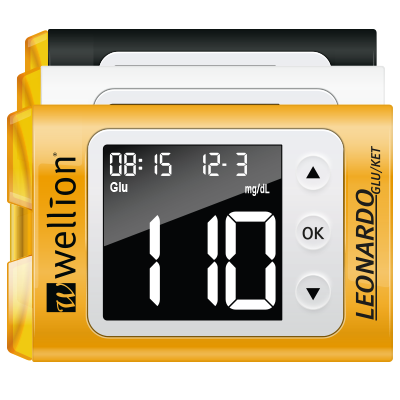
- Your Wellion meter
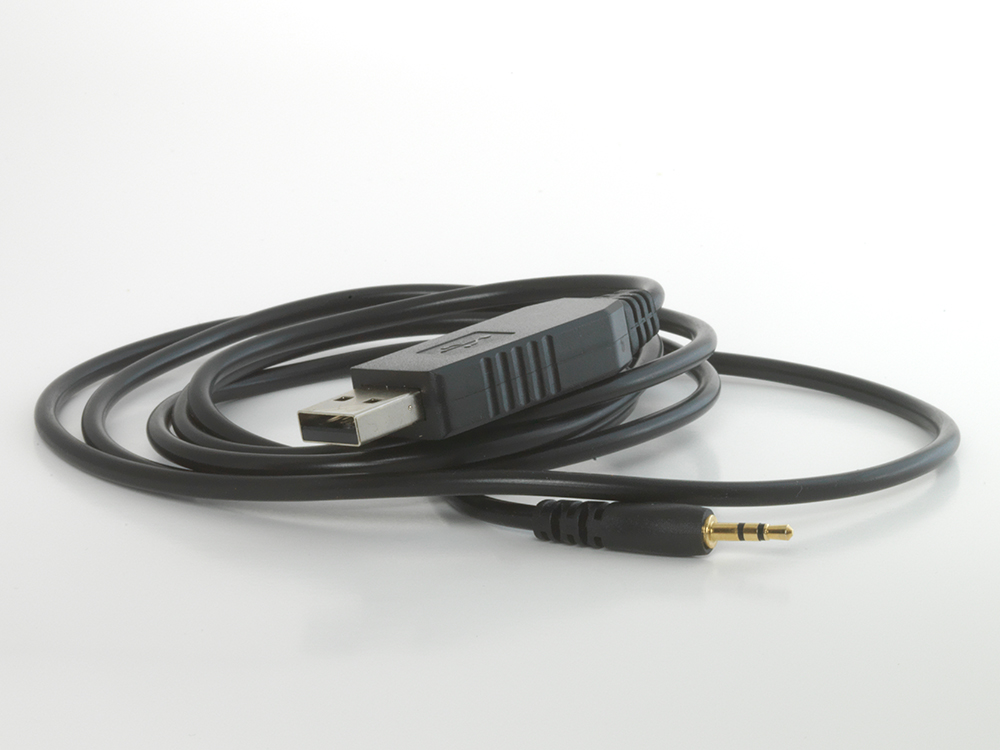
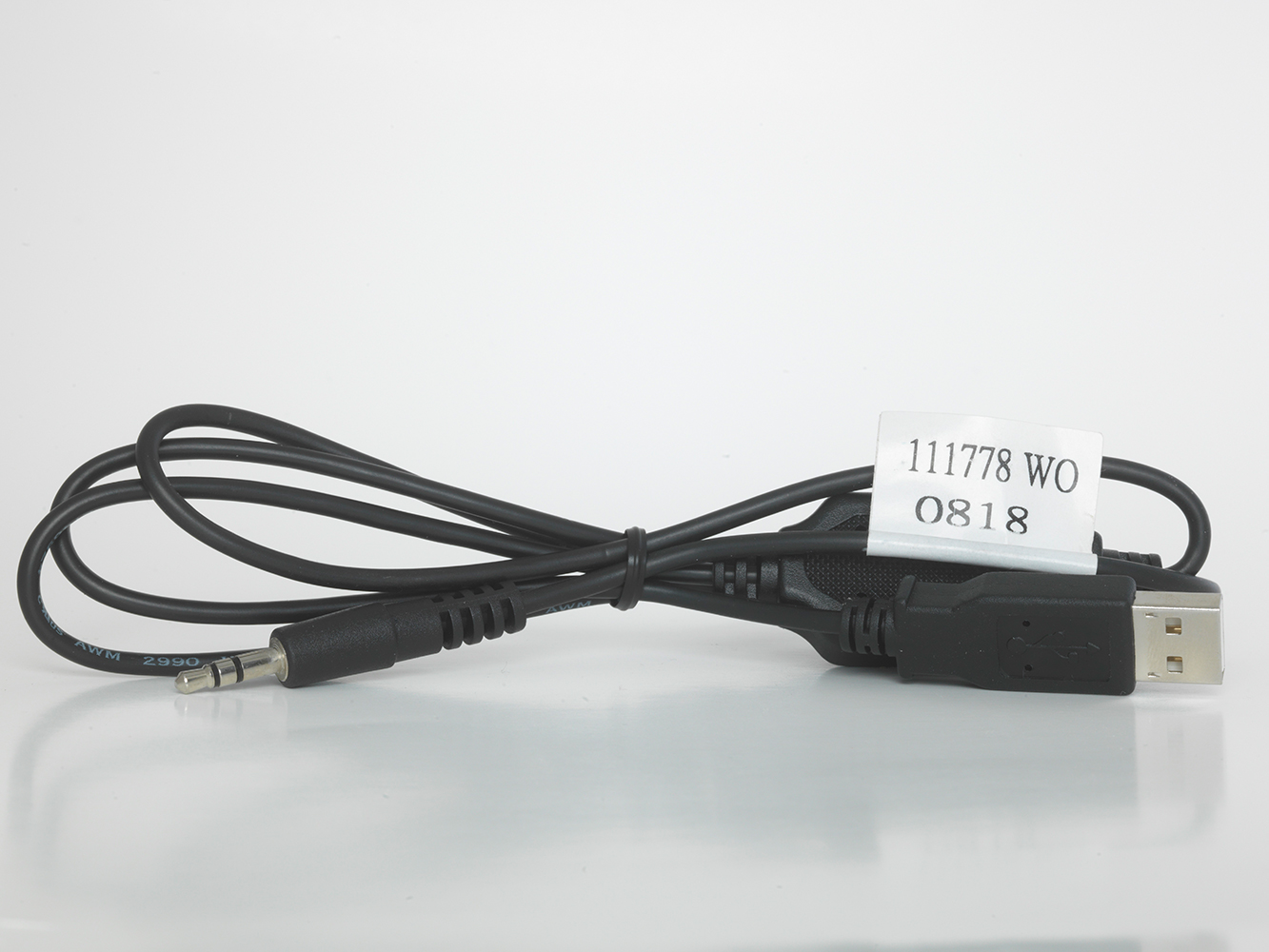
- the Wellion USB data transfer cable and driver compatible with your Wellion meter and your version of Windows.
(You will need the specific USB cable for the relevant measuring device. The data cannot be transferred using just any USB cable!)
Would you like to send your data to your doctor?
You can do this via the SiDiary online version. To do this, transfer the data from your Wellion SiDiary App / Wellion SiDiary desktop version to your online version and then forward it to your doctor from there.
Online registration is required for this. If you have not yet created an online account with Sidiary, please first follow the steps under “b) Online version”.
- In your Wellion SiDiary app, select the “Setup” menu item
- “Register”
- Choose “I have purchased a licence” (There is no cost to you. This is part of the wide range of free Wellion services designed to make your life easier.).
- Enter your transaction number (you received this with your online registration via email from Sinovo)
Under the “Settings” menu item
Synchronisation: You can choose between “Automatically at night” or “After completion”
Please bear in mind that, despite the numerous tools it offers to help improve your treatment, SiDiary and other data management tools can never replace a consultation with a doctor! SiDiary cannot provide medical advice or medical assistance, nor can it replace them!